
Vesalius3D Support
Getting started
Vesalius3D is an easy to use, intuitive, medical imaging application.
Vesalius3D is easy to use and comes with a wide range of functionalities. New users will be up and running fast.
Within minutes users can
- Use presets (starting visualizations)
- Fly around the data and zoom into areas of interest
- Optimize and toggle between visualizations
- Create movies, screenshots and measurements in both 2D and 3D windowsWork with the Vesalius3D library
- Export Dicom or STL file (for 3D printing)
Click here to have a look at the Vesalius3D Frequently Asked Questions page.

Vesalius3D Support - Online Demo
If you want to get to know Vesalius3D together with one of our experts we offer you a free online demonstration.ns.
If you are interested in this interactive online demonstration then please contact us here.
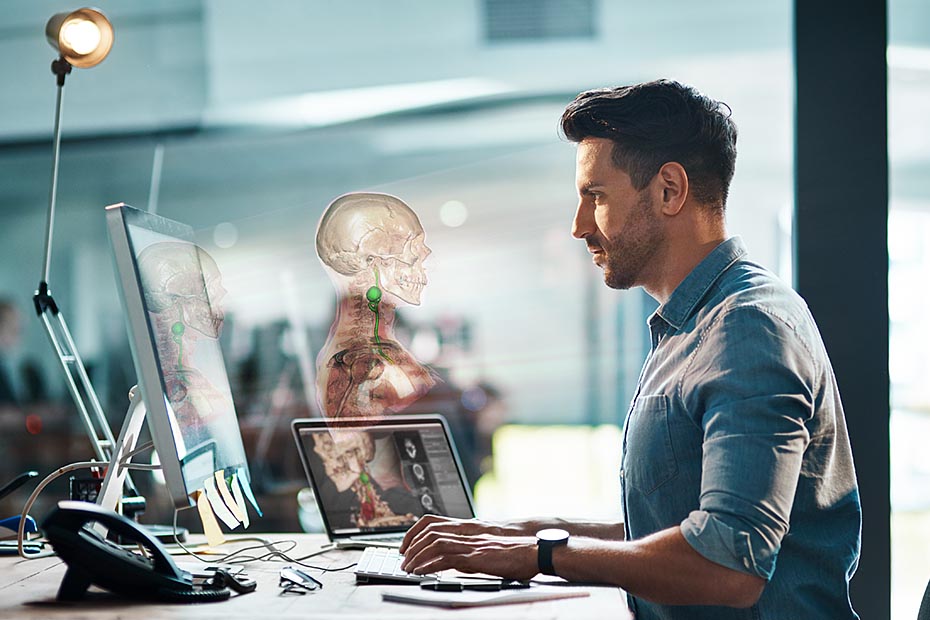
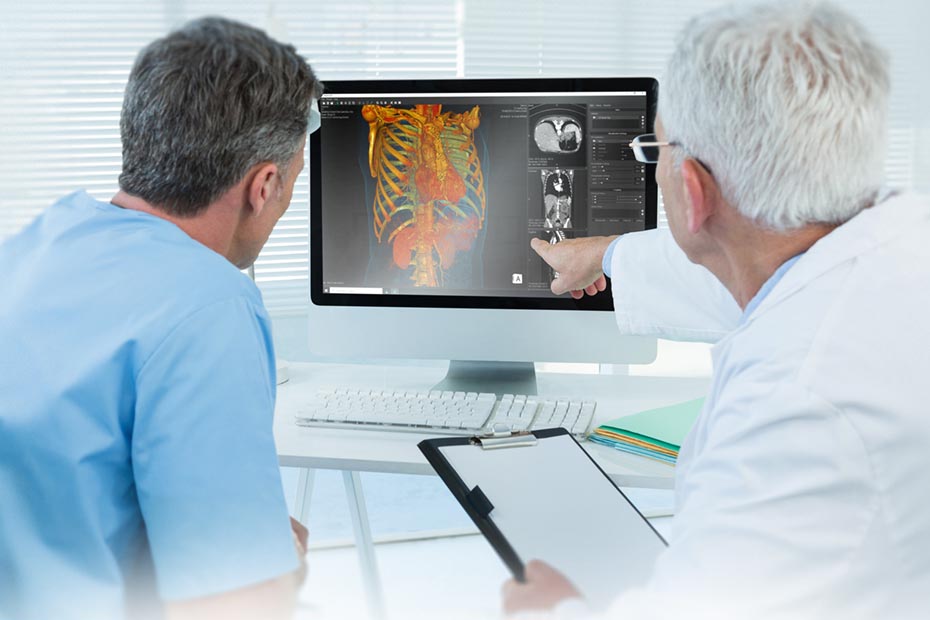
User experience program
For a substantiated development of Vesalius3D we are assembling a group of involved users who are willing and able to provide us with essential input about Vesalius3D’s user interface, workflow, functionalities etc.
For this we have set up the Vesalius3D User Experience Program. If you want to join this program please click here.
Release Information: Current release of Vesalius3D
NEW in Vesalius3D 2.14
- Extended functionality for cropping:
- Cut at your view: add oblique cropping planes at the near plane position via the 3D window context menu or the cropping panel.
- Manage cropping plane movements in 3D by using the lock/unlock feature in the cropping panel.
- Enhanced measurement tools: *
- Access coordinates of measurement points for analysis.
- Switch to a crosshair shape for measurement/picked points to increase precision of reviewing measurement placements.
- Export and import measurements for further data analysis.
- Enhanced measurement tools: *
* Available in Premium Tools & Full Version packages.
- Improved usability:
- Efficient brush resizing for extractions using Shift+mouse scrolling.
- Precise 2D scrolling through your dataset using arrow buttons in the 2D panels.
- Swift 2D windowing preset changing under the 2D window context menu.
- Easily change orientation through the perspective button’s dropdown menu or the 3D window context menu.
Find out more in our short videos.
Previous releases
Vesalius3D 2.13
- Improved extractions: Enhanced tools for accurate data removal, including Smart Scissors, Smart Painting and Improved Surface Generation.
- Precisely erase data, correct masks and restore previously removed information with ease.
Vesalius3D 2.12
- Modify marker point sizes when creating measurements for enhanced visibility.
- Easily remove erroneous measurement marker points by double clicking on them.
Vesalius3D 2.11
- Maximum Intensity Projections can now be stored with modified levels and width and curves
- Fixed an issue that prevented users with AMD GPUs to create extractions
Vesalius3D 2.10
- Free of charge Vesalius3D Basic license
- Flexible Upgrade Packages available to enhance your Vesalius3D experience
Vesalius3D 2.9
- The Scissoring tool can now be used in both 2D and 3D views
- Vesalius3D is now a 64 bit application
- Optimized CPU usage
- Support for HighDPI screens
Vesalius3D 2.8
- Optimized the extraction workflow. Introduction of Scissors!
- Improved data management functionalities
- Enhanced 3D navigation
Vesalius3D 2.7
- Optimized workflow
- A new start screen
- MRI visualization improved
- Importing of data simplified
- Higher image quality for MRI CT and Ultrasound
- Settings to optimize Vesalius3D performance on your PC
Vesalius3D 2.6
- Dark user interface better focus
- Extended help functionality with manuals, instruction videos, FAQ’s and Keyboard controls
- Pre-defined visualizations for all datasets
- Extended functionality in less clicks
Vesalius3D 2.5
- The Improved library contains states. States are a powerful tool to store your work and be able to get back to the exact view and layout later
- Improved quantification module. Added functionality and navigation to a specific measurement in a one click action
- Movies and screenshots can now be made from anywhere
- Exporting measurements is now possible